
Great call. What did they say?
A story about good conversations, tiny sticky notes,
and keeping the useful details.

Discovery
You just finished a great call.
The customer liked what you had to say.
You liked what they had to say.
Everyone was smiling.
You hang up.
Nice.
Then five minutes later...
You stare at your screen.
What did they say their biggest problem was?
Did they want option A or option B?
Did they say their budget was $5,000?
Or $15,000?
Were they ready this month?
Or next month?
Uh oh.
You remember the call was good.
You just do not remember all of the call.
And that can be a problem.

Meet Jake
Jake runs a small business.
He talks to new customers all the time.
Most of those calls are called discovery calls.
That sounds fancy.
But really, it means:
“Tell me about your business.”
“What is going wrong?”
“What do you need help with?”
“What are you trying to do?”
Simple.
Jake is good at these calls.
He listens.
He asks questions.
He takes notes.
Well...
He tries to take notes.
That is the problem.
Because while Jake is listening, he is also thinking.
He is trying to understand the customer.
He is thinking about ideas.
He is answering questions.
He is looking at the customer.
He is typing notes.
He is trying not to look like he is typing notes.
That is a lot.
Humans are not very good at doing six things at the same time.
Even when we pretend we are.
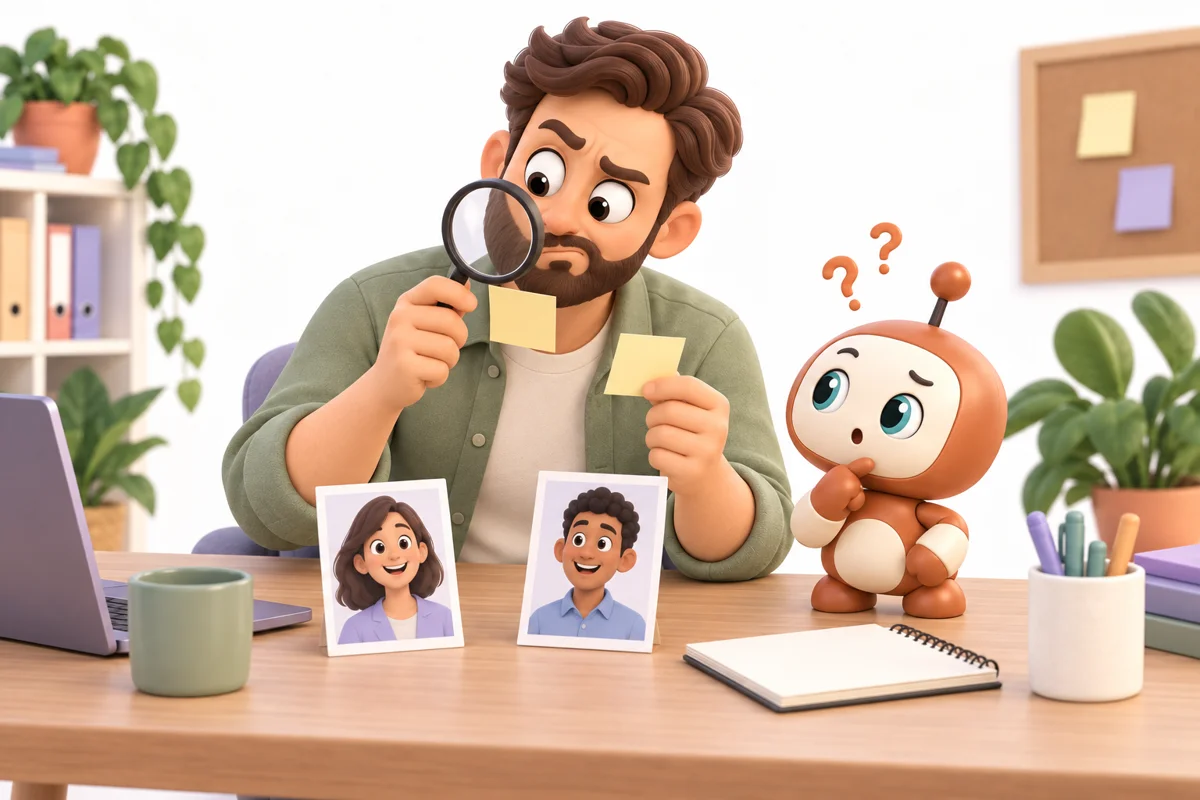
Then Jake Has Two Calls Back To Back
The first call is with Sarah.
She needs help with sales.
She has too many leads slipping through the cracks.
She wants better follow-up.
She also mentions something about her CRM.
Jake writes:
“Sales. Leads. CRM.”
Great notes.
Very helpful.
Then Jake jumps onto another call.
This one is with Mike.
Mike needs help with customer support.
His team gets too many emails.
He wants some kind of AI tool.
He also says something about after-hours calls.
Jake writes:
“Support. AI. Phone?”
Excellent.
A true masterpiece.
What gets lost after your calls?
Explore the tools available in your Workspace.
Features and processing limits depend on your plan.
A Few Days Pass
Jake wants to send Sarah a proposal.
He opens his notes.
“Sales. Leads. CRM.”
Cool.
But what did Sarah actually say?
What was the biggest problem?
How many leads were they losing?
What tools were they using?
What did she say she hated doing?
What did she say she wanted to fix first?
Jake does not remember.
And now he has to guess.
That is not ideal.
This is where Discovery comes in.
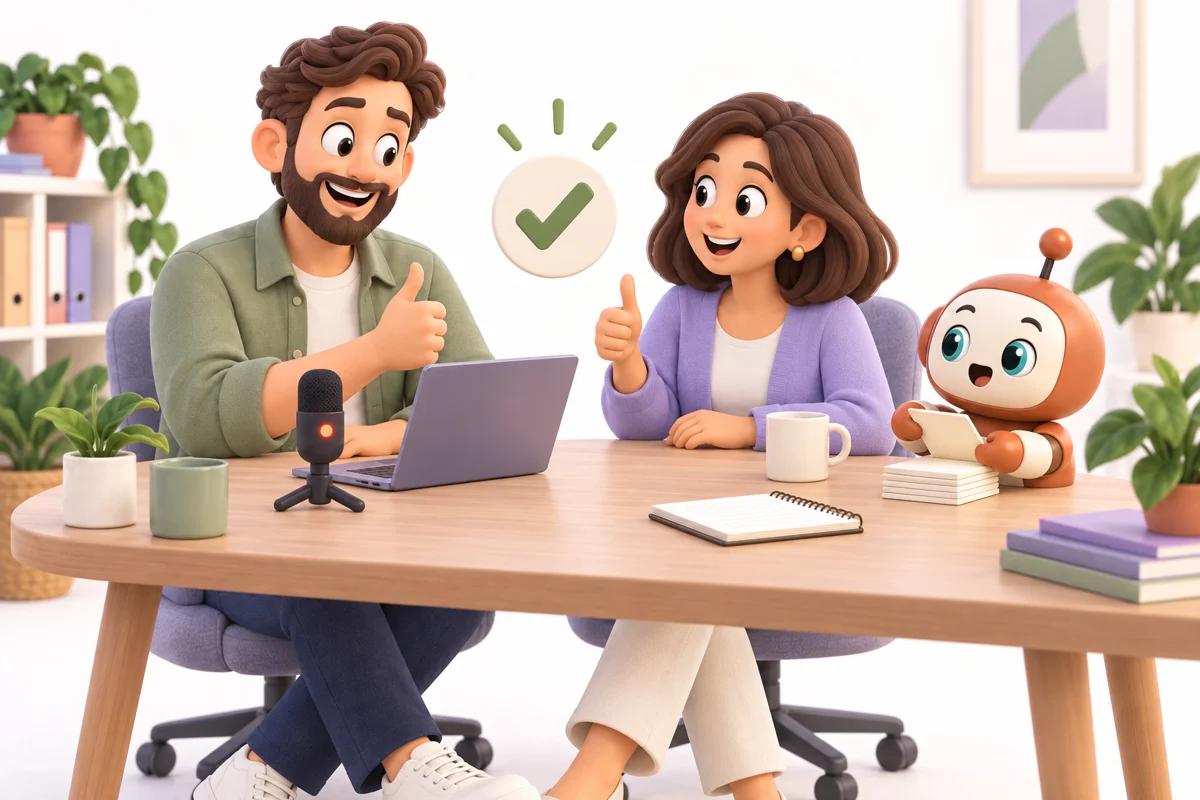
Discovery Records The Call
First, ask everyone if it is okay to record.
You start the conversation.
Discovery listens.
It records the call.
It turns the conversation into text.
That is called a transcription.
Which is another fancy word for:
“The conversation, written down.”
So now you do not have to write every little thing.
You can actually talk to the person.
Listen.
Ask good questions.
Think.
Be human.
Very exciting.
But It Does More Than Just Write It Down
A giant wall of text is not always helpful.
Nobody wants to read 47 pages of:
“Yeah.”
“Right.”
“Okay.”
“That makes sense.”
“Can you hear me?”
So after the call, AI looks through the conversation.
It finds the important parts.
Things like:
What is the customer trying to solve?
What problems did they mention?
What tools are they using now?
What did they say is not working?
What do they want to build?
What matters most to them?
What questions did they ask?
What did you promise to send them?
What are the next steps?
Now the call becomes something useful.
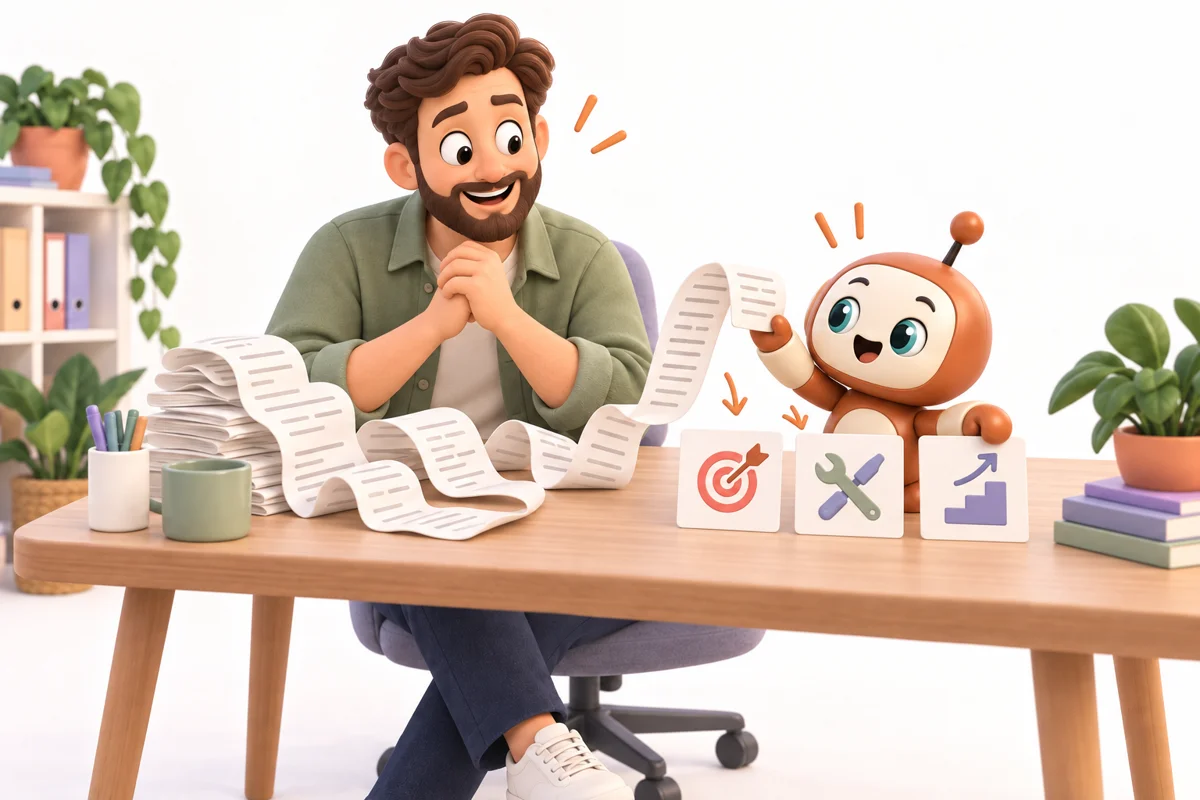
Sarah's Call Looks Different Now
Instead of:
“Sales. Leads. CRM.”
Jake gets a brief.
Something like:
Customer: Sarah
Main Problem: Leads are coming in, but the team is not following up fast enough.
Current Tools: HubSpot, Gmail, Calendly.
Pain Point: Sarah feels like her team is doing too much by hand.
Goal: Respond to leads faster and make sure nobody gets forgotten.
Important Detail: Sarah wants to start small before changing the whole business.
Next Step: Send a plan for a lead follow-up agent.
Now Jake remembers the call.
Actually...
He does not have to remember it.
The system remembers it for him.
That is much better.
Jake checks the brief before using it. AI can miss details too.
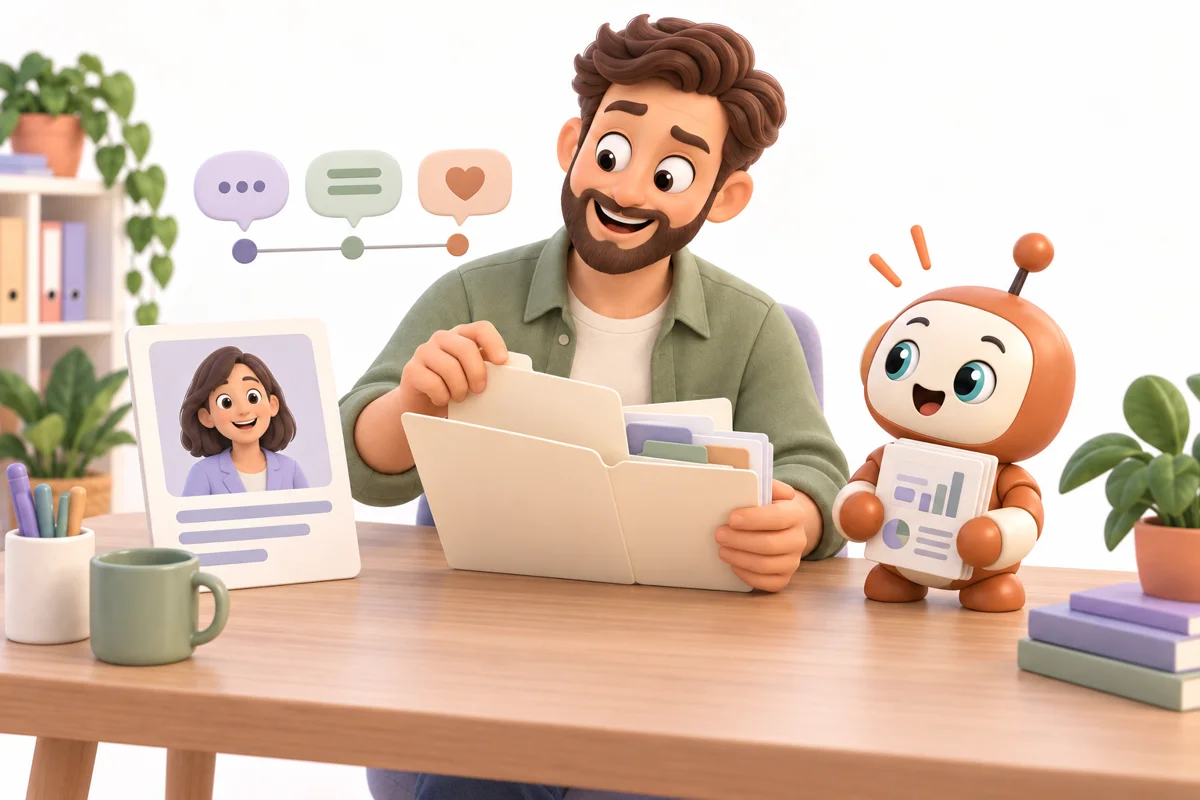
It Stores The Client Too
This is where Discovery becomes more powerful.
The brief does not just disappear.
It gets stored with the customer.
So the next time Sarah calls, you already have her history.
You know what she said last time.
You know what her problems were.
You know what she wanted.
You know what you promised.
You know what changed.
Now imagine someone else on your team talks to Sarah.
They can read the brief too.
They do not have to ask Sarah the same five questions again.
That matters.
Because customers notice when a business remembers them.
And they definitely notice when it does not.
“Hi Sarah. Can you remind me what your company does?”
Not a great start.
You choose what to keep and who can see it.
Your Business Starts Remembering Things
That is the big idea.
People forget.
Businesses forget.
Notes get lost.
Employees leave.
Someone writes something in a notebook.
Someone else saves something in Slack.
Someone puts it in the CRM.
Someone puts it in their brain.
Then their brain goes on vacation.
Discovery helps turn conversations into memory.
Every call becomes something your business can learn from.
Not just something that happened and disappeared.
It Can Catch Things You Missed
Here is another fun part.
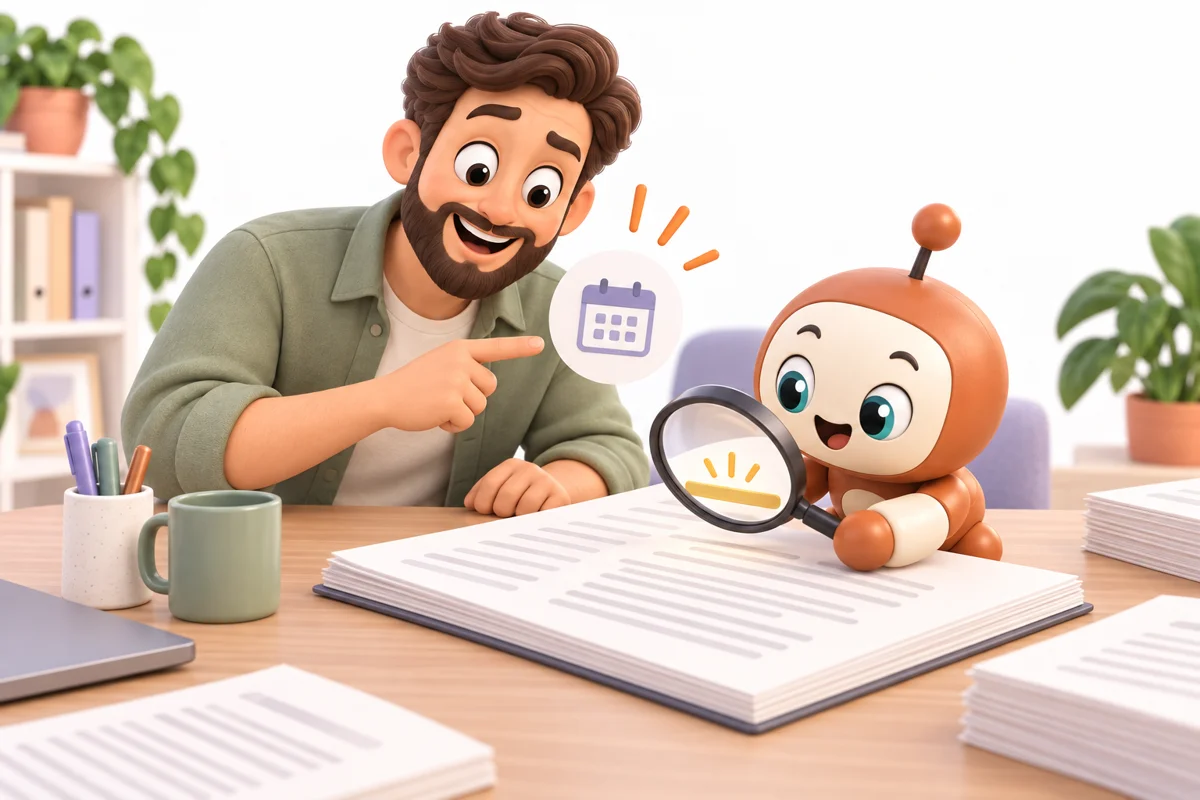
Sometimes customers say important things very quickly.
They may say:
“We really need this done before October.”
Or:
“Our biggest issue is not actually sales. It is onboarding.”
Or:
“If this works, we would want to roll it out to the rest of the company.”
You might hear it.
You might not.
You are in the conversation.
You are thinking.
You are talking.
AI can look back afterward and say:
“Hey. This was important.”
That is useful.
Because sometimes the most important part of a call is one little sentence.
Turn a good conversation into a clear next step.
Explore the tools available in your Workspace.
Features and processing limits depend on your plan.
It Can Help With Follow-Ups Too
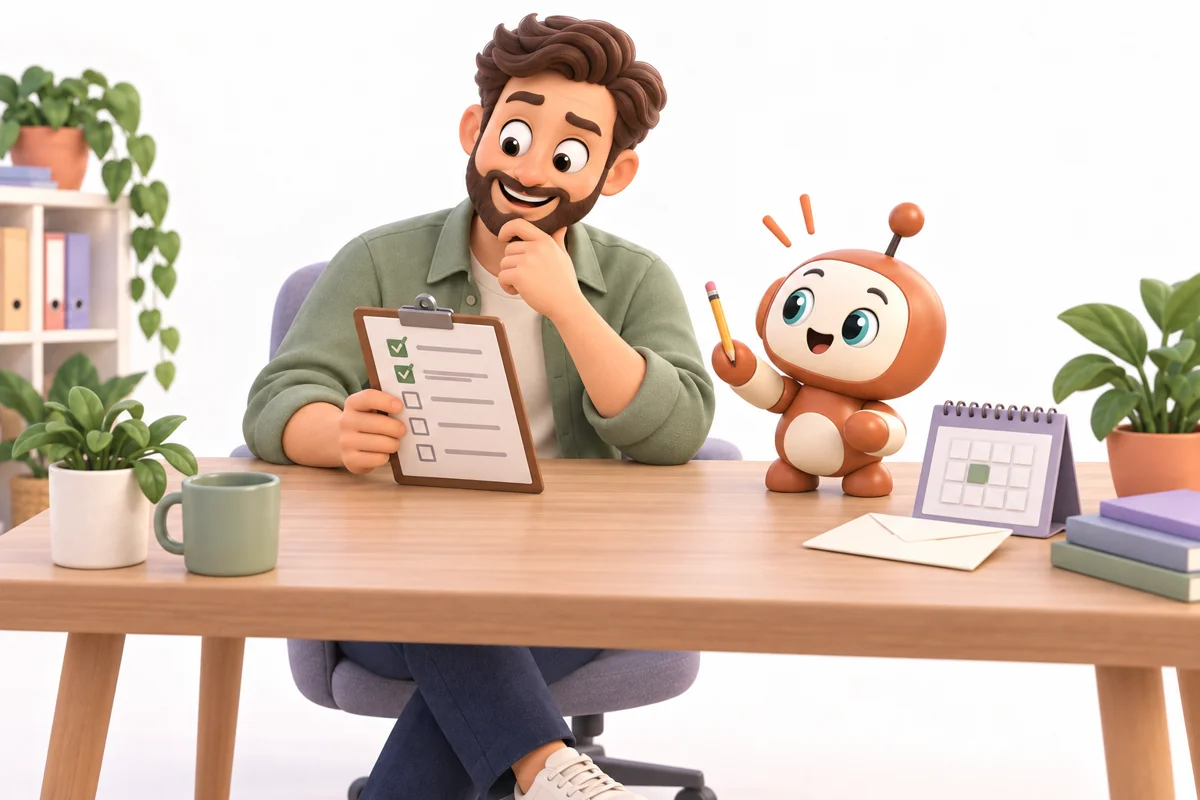
After the call, Discovery can help create the next steps.
Send the proposal.
Book the next meeting.
Ask for access.
Send pricing.
Create a task.
Add a note.
Follow up Friday.
Now instead of ending a call and thinking:
“Okay... now what?”
You have a list.
A very nice list.
Lists are good.
Especially when you do not have to make them yourself.
You review the next steps before messages go out or bookings are made.
The Real Benefit Is Simple
Discovery is not really about recording calls.
That is just the first part.
It is about understanding them.
Saving them.
Organizing them.
And making sure important information does not disappear.
Because a good conversation can contain a lot.
Problems.
Ideas.
Budgets.
Goals.
Questions.
Promises.
Deadlines.
Concerns.
Opportunities.
That is valuable information.
You should not have to rely on your memory to keep all of it.
Your memory already has enough to do.
Like remembering passwords.
And where you left your keys.

So Now Jake Gets Off A Call
He does not panic.
He does not dig through notes.
He does not ask:
“What did they say again?”
He opens Discovery.
The call is there.
The transcript is there.
The brief is there.
The important points are there.
The next steps are there.
And the customer is stored.
Simple.
That means Jake can spend more time thinking about how to help the customer.
And less time trying to remember what the customer said.
That is what Discovery is for.
Listen once.
Keep the useful details.
Or at least longer than Jake does.
Keep the details. Help the customer.
Bring us one conversation that matters.
Let’s talk about the setup you need.
Explore the tools available in your Workspace.
Features and processing limits depend on your plan.
Let’s talk about your discovery process.
Tell us what you need help with.