
Good lead. What happens next?
A story about forgotten follow-ups, useful emails,
and a robot wearing a tie.

Leads
You found a new lead.
Nice.
A real person.
A real company.
They might actually want what you sell.
So you send them an email.
Then you wait.
And wait.
And wait.
Nothing.
So you send another email.
Still nothing.
Then three days later, you remember:
“Oh yeah. I was supposed to follow up with them.”
You open Gmail.
You search their name.
You cannot find the thread.
You search again.
There it is.
You start typing.
Then another message comes in.
Then someone calls.
Then you forget again.
Very professional.
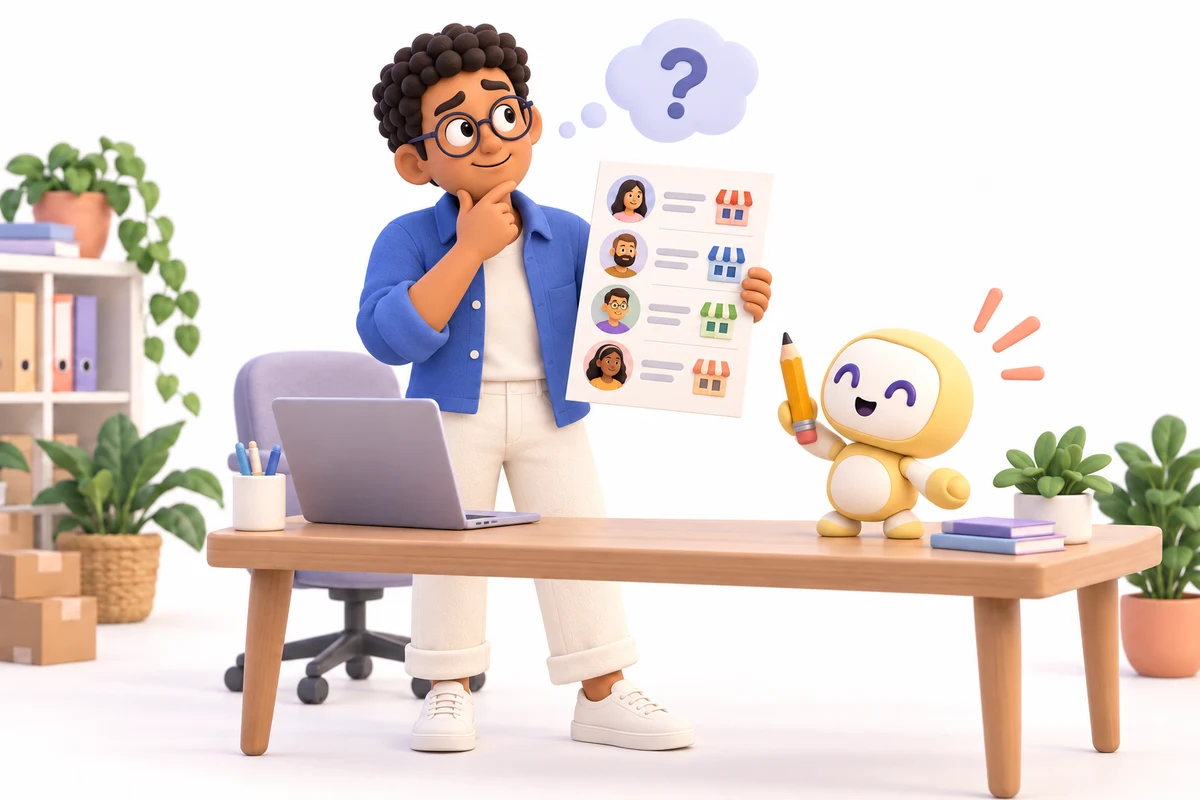
Meet Ben
Ben runs a small business.
Ben wants more customers.
So Ben looks for leads.
He finds companies that look like a good fit.
He gets their names.
Their websites.
Their email addresses.
Sometimes their phone numbers.
Sometimes he even finds the person who owns the company.
Great.
Now Ben has a list.
A beautiful list.
A list full of possibilities.
And then...
Ben has to do something with it.
That is where things get messy.
Finding A Lead Is Only The First Step
A lead is just someone who might become a customer.
That is it.
They are not a customer yet.
They do not owe you anything.
They may not even know who you are.
So now you have to reach out.
Maybe you send an email.
Maybe you call.
Maybe you message them on LinkedIn.
Maybe you do all three.
Then you have to remember who answered.
Who did not.
Who said:
“Try me next month.”
Who said:
“Send me more information.”
Who said:
“I need to talk to my partner.”
Who said:
“Sounds interesting.”
And who vanished into the great unknown.
That is a lot to remember.
Where do your leads get lost?
Explore the tools available in your Workspace.
This story shows a setup we can build for your business. Your tools and plan may be different.
So Ben Starts Sending Emails
Ben writes:
“Hi Sarah,
I wanted to reach out because...”
Then he writes another one.
“Hi Mike,
I noticed your company...”
Then another.
“Hi John,
I thought this might be useful...”
After 20 emails, Ben is tired.
After 50 emails, every sentence sounds the same.
After 100 emails, Ben is pretty sure he has typed:
“Hope you are doing well”
more times than he has spoken to his family.
This is where AI can help.

AI Can Help Draft The Emails
Instead of writing every email from scratch, an AI agent can help build the first draft.
It can look at the lead.
It can look at their company.
It can look at what they do.
It can help create a message that actually makes sense for them.
Not:
“Dear Business Owner,
We offer amazing solutions.”
Yuck.
That sounds like a robot wearing a tie.
The goal is to make the email feel useful and relevant.
Maybe the agent notices they just opened a new location.
Maybe it sees they are hiring.
Maybe it sees they offer a service your product can help with.
Now the email can start with something real.
That is much better.
Ben checks the facts and approves the message before it is sent.

But The First Email Is Not The Hard Part
The follow-up is.
Most people do not reply to the first message.
They are busy.
They missed it.
They meant to respond.
They forgot.
They opened it while standing in line for coffee.
Then a dog barked.
Life happened.
So sometimes you need to follow up.
The problem is:
Humans are bad at remembering every follow-up.
Especially when there are hundreds of leads.
An AI agent does not care.
It can remember.
That is kind of its thing.
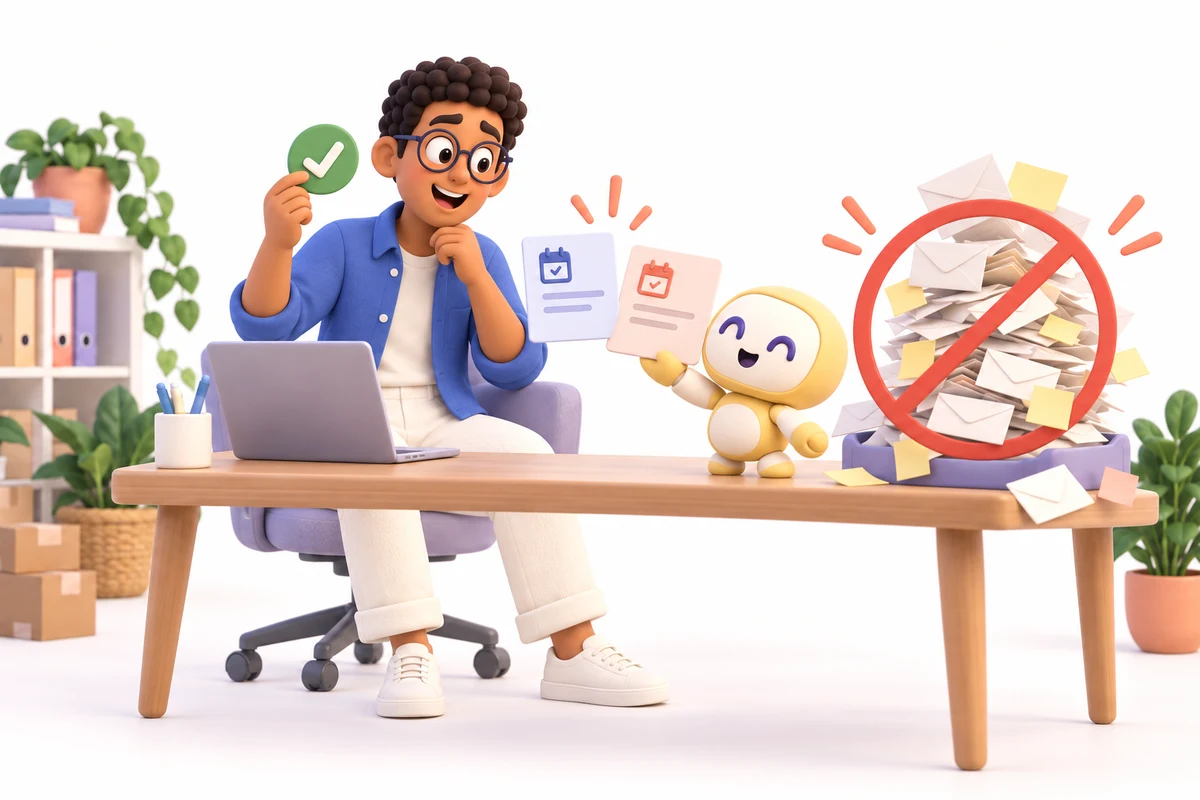
Ben Sends An Email To Sarah
Sarah does not respond.
Normally, Ben might forget.
But the system does not.
A few days later, it says:
“Sarah has not responded.”
Then it can help prepare a follow-up.
Something simple.
“Hi Sarah,
Just wanted to follow up in case this got buried.”
Done.
If she still does not respond, it can wait again.
Then try one more time.
Not 47 times.
Nobody likes that guy.
But enough to stay on top of the opportunity.
If Sarah says no or asks Ben to stop, the follow-ups stop.

What Happens When Sarah Replies?
Now things get more interesting.
Sarah writes:
“Thanks. This looks interesting. Can you send me more information?”
The AI agent can read that.
It can understand that Sarah is interested.
It can help draft a response.
It can update the lead.
It can change her status from:
“Cold”
to:
“Interested”
It can create a task:
“Send Sarah information.”
It can remind Ben to follow up.
It can even help book a meeting.
Now Ben does not have to update five different places.
The system can help do that for him.
These steps depend on the tools you connect and the actions you approve.

This Is Where Connecting Systems Matters
Most businesses already have tools.
Gmail.
HubSpot.
Salesforce.
Slack.
Teams.
Notion.
Calendly.
Google Sheets.
Some random spreadsheet called:
“LEADS_NEW_FINAL_V4_USE_THIS.xlsx”
You know the one.
The problem is not always the tools.
The problem is that they are all sitting in different places.
The email is in Gmail.
The lead is in HubSpot.
The task is in Asana.
The meeting is in Calendly.
The notes are in Notion.
The owner is in pain.
This is where an AI intelligence layer can help.
One Lead Can Move Through The Whole Business
Imagine this:
A new lead gets added.
The system sees them.
It finds the right contact information.
It helps draft the first email.
The email goes out.
The lead gets marked as contacted.
If they do not respond, a follow-up is prepared.
If they reply, the system understands the answer.
If they want a meeting, it helps schedule one.
If they are not interested, it updates the record.
If they say:
“Call me in two months,”
the system remembers.
Two months later:
“Hey Ben. Remember Sarah?”
Ben does not remember.
The system does.
Perfect.
The Lead Does Not Get Lost
This is the big problem.
Leads get lost.
Not because businesses do not care.
Because people get busy.
A new lead comes in.
Then another lead.
Then a customer has a problem.
Then someone needs help.
Then a meeting starts.
Then your inbox explodes.
And suddenly that great lead from Tuesday is gone.
Not actually gone.
Just forgotten.
Which is almost the same thing.
AI can help stop that.
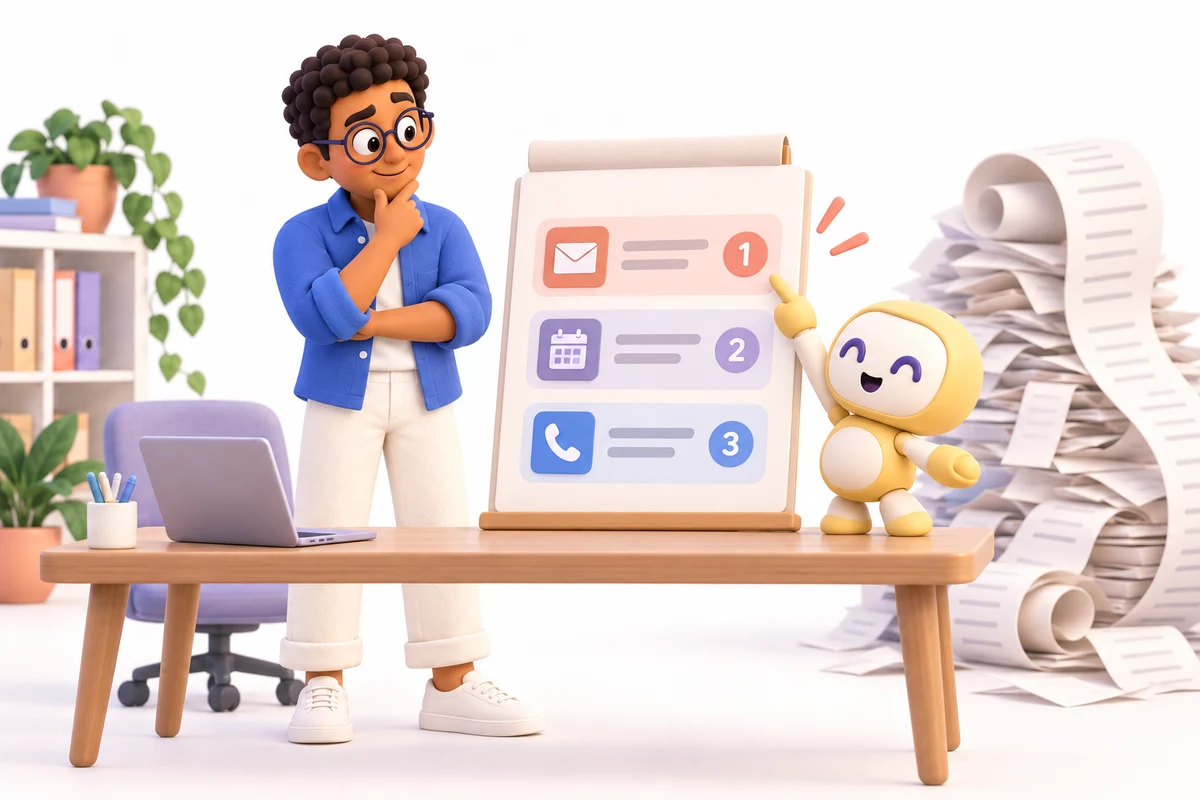
It Can Tell You What Needs Attention
Instead of staring at 400 names, you can get a simple list.
Sarah replied.
Mike asked for more details.
John asked to be contacted Friday.
Lisa needs pricing.
Tom has not replied in seven days.
Now you know where to focus.
That is much more useful than:
“Here are 842 leads.”
Great.
Thanks.
Very helpful.
AI Can Help With Outbound Too
Outbound just means:
You are reaching out first.
You are saying:
“Hi. We think we may be able to help.”
AI can help organize that process.
Find the right people.
Help research the company.
Draft emails.
Prepare follow-ups.
Track replies.
Save notes.
Move leads through the pipeline.
And tell a human when it is time to step in.
That last part matters.
Because sometimes the best next step is not another automated email.
Sometimes it is:
“Call this person.”
Humans are still pretty good at talking to humans.
Usually.

Ben Starts His Day Differently
Before, Ben opened his inbox.
Chaos.
He searched through old emails.
He checked spreadsheets.
He tried to remember who needed what.
Now he opens one place.
He sees:
5 new leads.
3 people replied.
2 need follow-ups.
1 wants a meeting.
4 are waiting for a response.
That is manageable.
Now Ben can focus on the important conversations.
The system handles the boring stuff around them.
Turn a good lead into a useful conversation.
Explore the tools available in your Workspace.
This story shows a setup we can build for your business. Your tools and plan may be different.
This Is Not About Sending More Spam
That is important.
Nobody wants more bad email.
We already have enough.
The goal is not:
“Send 10,000 emails and annoy everyone.”
The goal is:
Find the right people.
Send better messages.
Follow up at the right time.
Keep track of what happened.
And stop letting good opportunities disappear.
That is a much smarter way to do it.
The Real Goal Is Simple
A lead should not have to depend on your memory.
A follow-up should not disappear because you got busy.
A prospect should not get lost because their email is sitting in the wrong inbox.
Your systems should help you remember.
Your AI agents should help you move the work forward.
And your people should spend more time talking to the right customers.
Not digging through Gmail.
Not updating spreadsheets.
Not asking:
“Did anyone follow up with this person?”
Again.
So What Does A Good Lead System Do?
It helps you:
Find people.
Reach out.
Write better emails.
Follow up.
Track replies.
Save notes.
Book meetings.
Update your CRM.
Create tasks.
And tell you what to do next.
Simple.
Because getting leads is hard enough.
Keeping track of them should not be.
Find the right people.
Follow up at the right time.
And stop letting good leads disappear.
Find the right people. Keep the conversation moving.
Bring us one follow-up problem.
Let’s talk about the setup you need.
Explore the tools available in your Workspace.
This story shows a setup we can build for your business. Your tools and plan may be different.
Let’s talk about your lead process.
Tell us what you need help with.